
SMART UV PRINTING SYSTEMS
Smart UV Printers for Your Customization Business
Turn customer photos, names, and ideas into products they can take home.
Create personalized phone cases, golf balls, gifts, and souvenirs with a workflow designed for everyday orders. Inkit combines UV printing, mobile design upload, and product templates to help shops, studios, and online businesses offer their own custom printing service.
Explore UV Printing Applications
Across Different Materials and Scenarios
From personalized gifts to signs and accessories, you can build your product range around different compatible materials.
Explore these application ideas across the Inkit smart UV printer range:
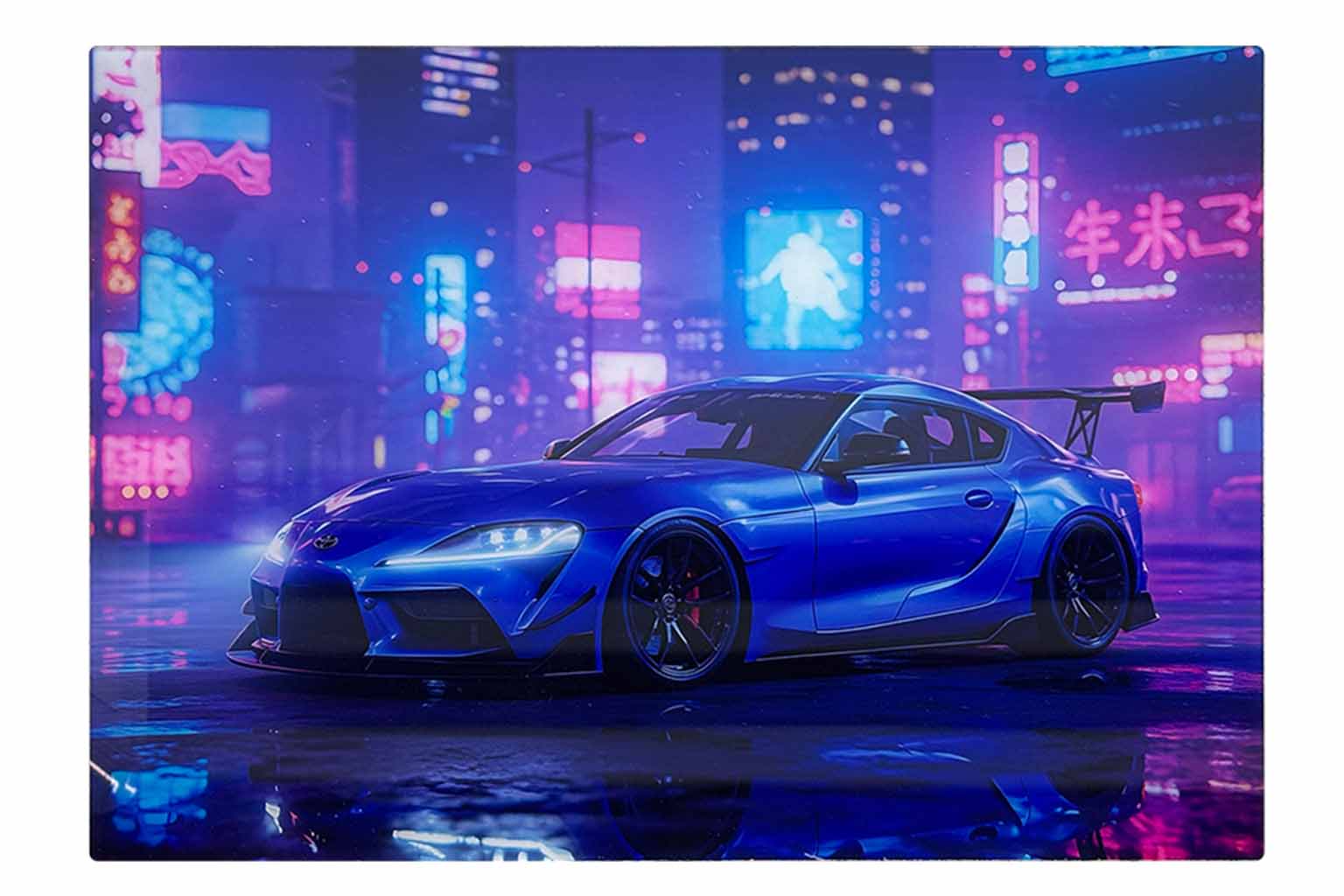
Acrylic
Create personalized keychains, fridge magnets, photo blocks, and small signs.

Wood
Print photos, names, and artwork on wooden crafts, decorative plaques, and gift items.
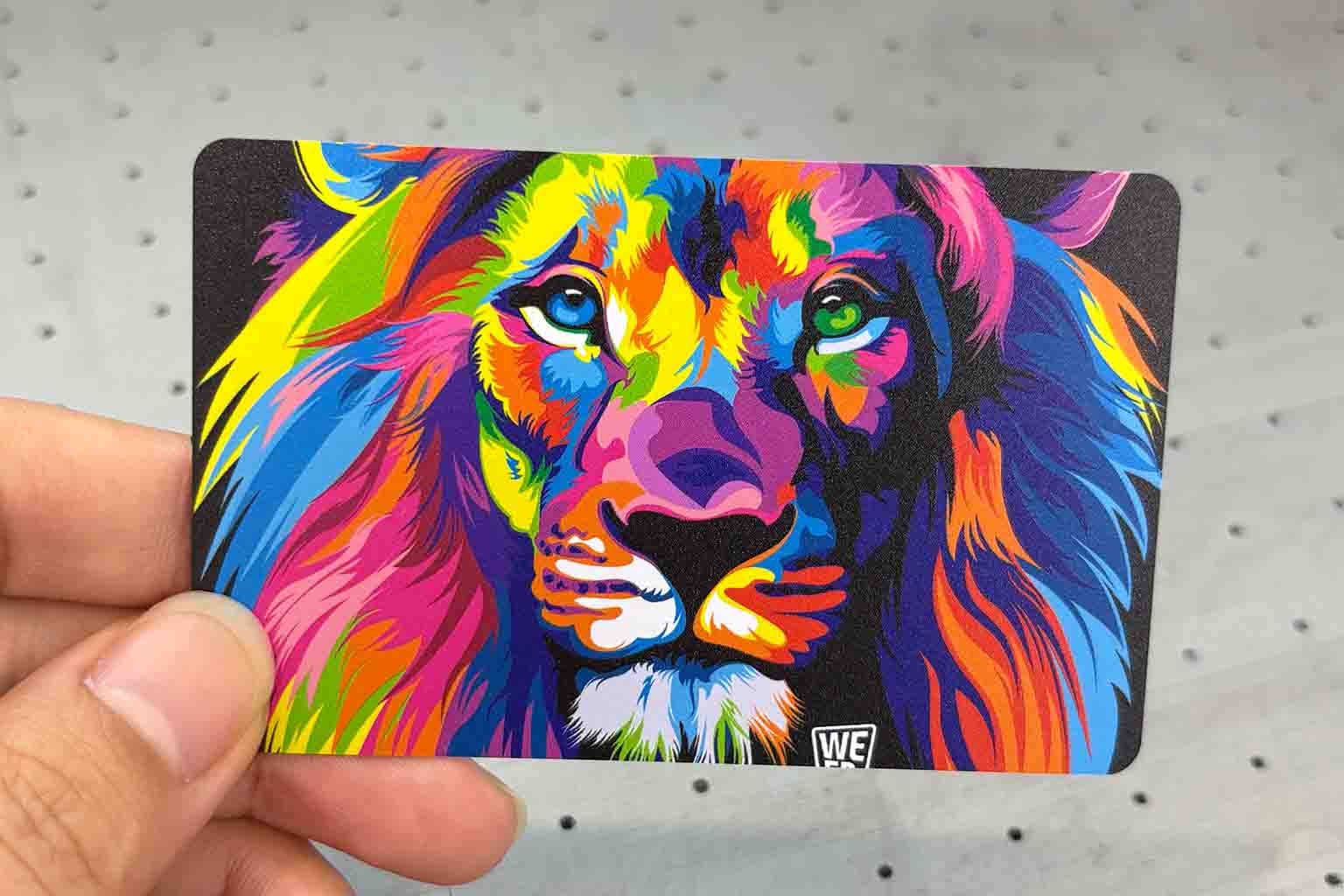
Plastic and PVC
Customize compatible phone cases, light switch covers, PVC cards, and electronic accessory housings.
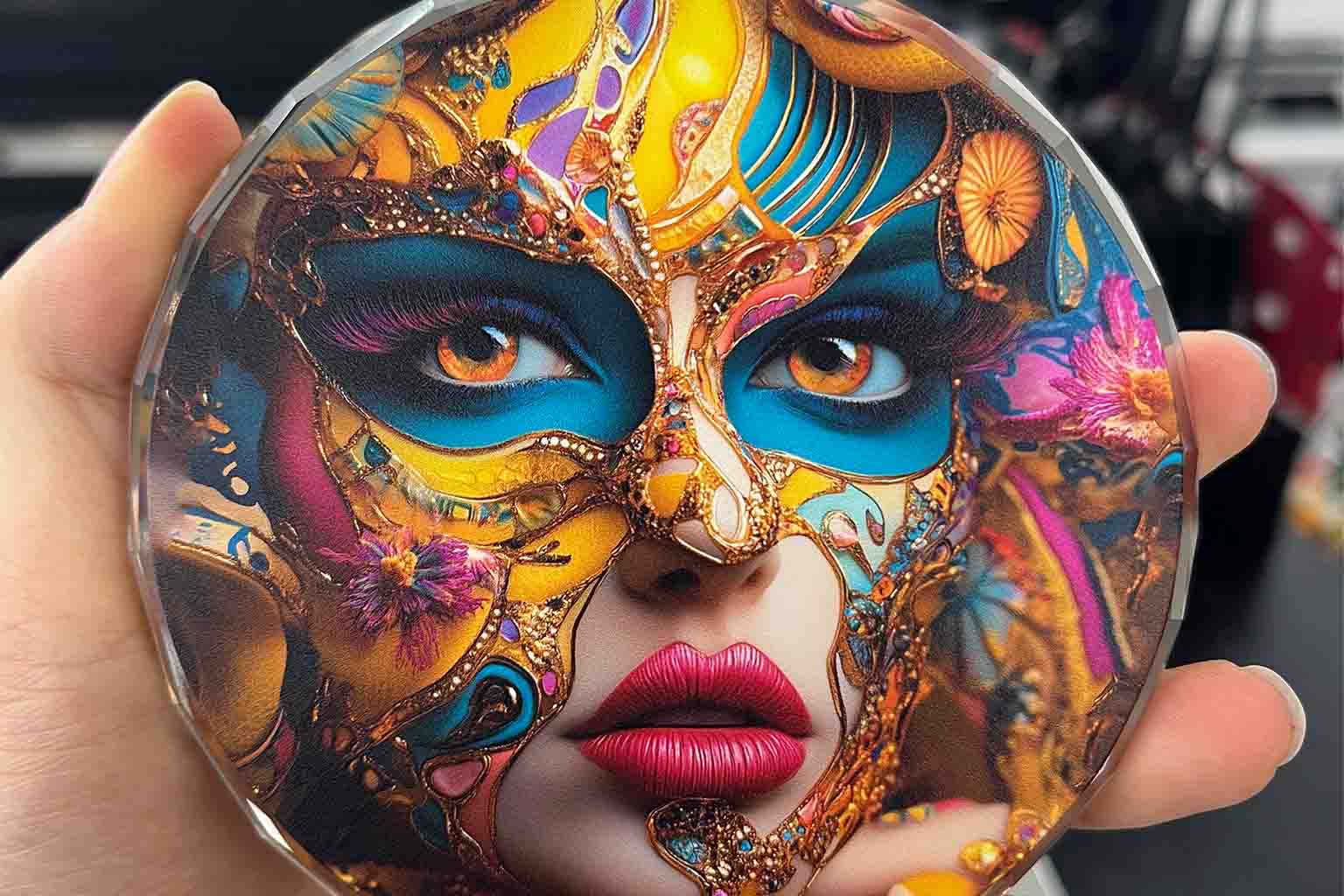
Glass
Turn compatible glass panels and decorative pieces into personalized photo gifts and home décor.
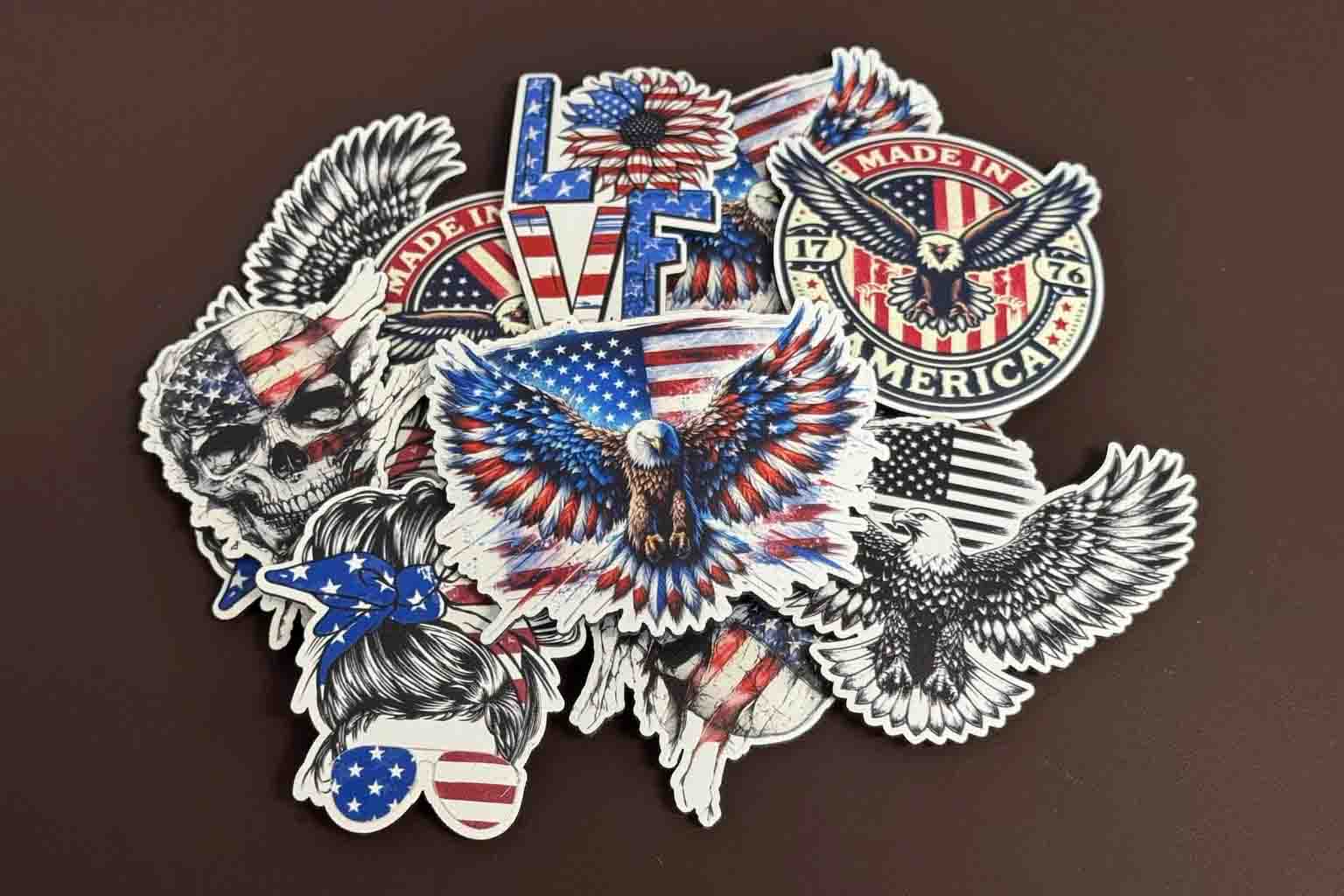
Leather
Personalize suitable hat patches, tags, and selected leather accessories.
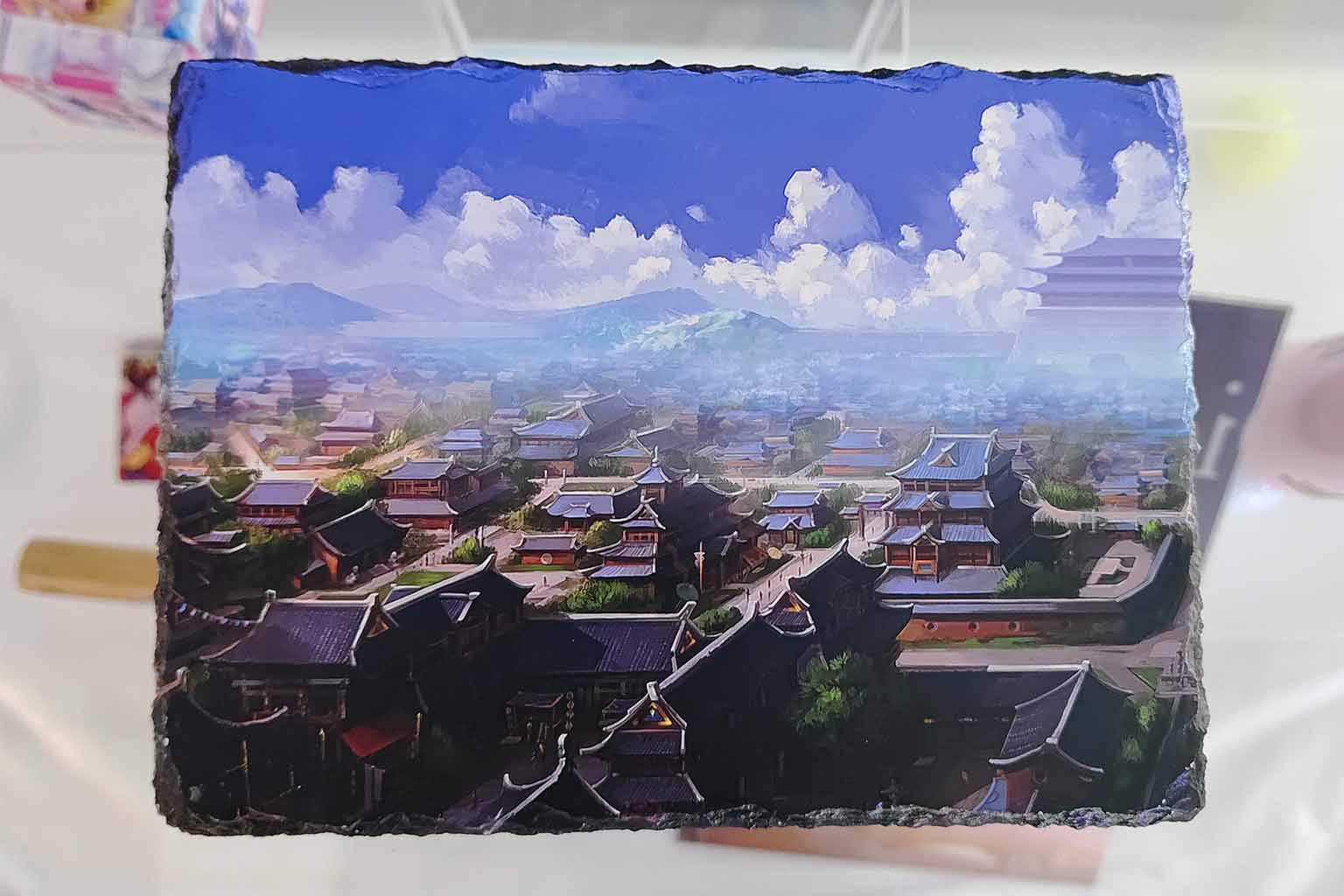
Stone
Print decorative graphics and photos on suitable flat stone pieces.
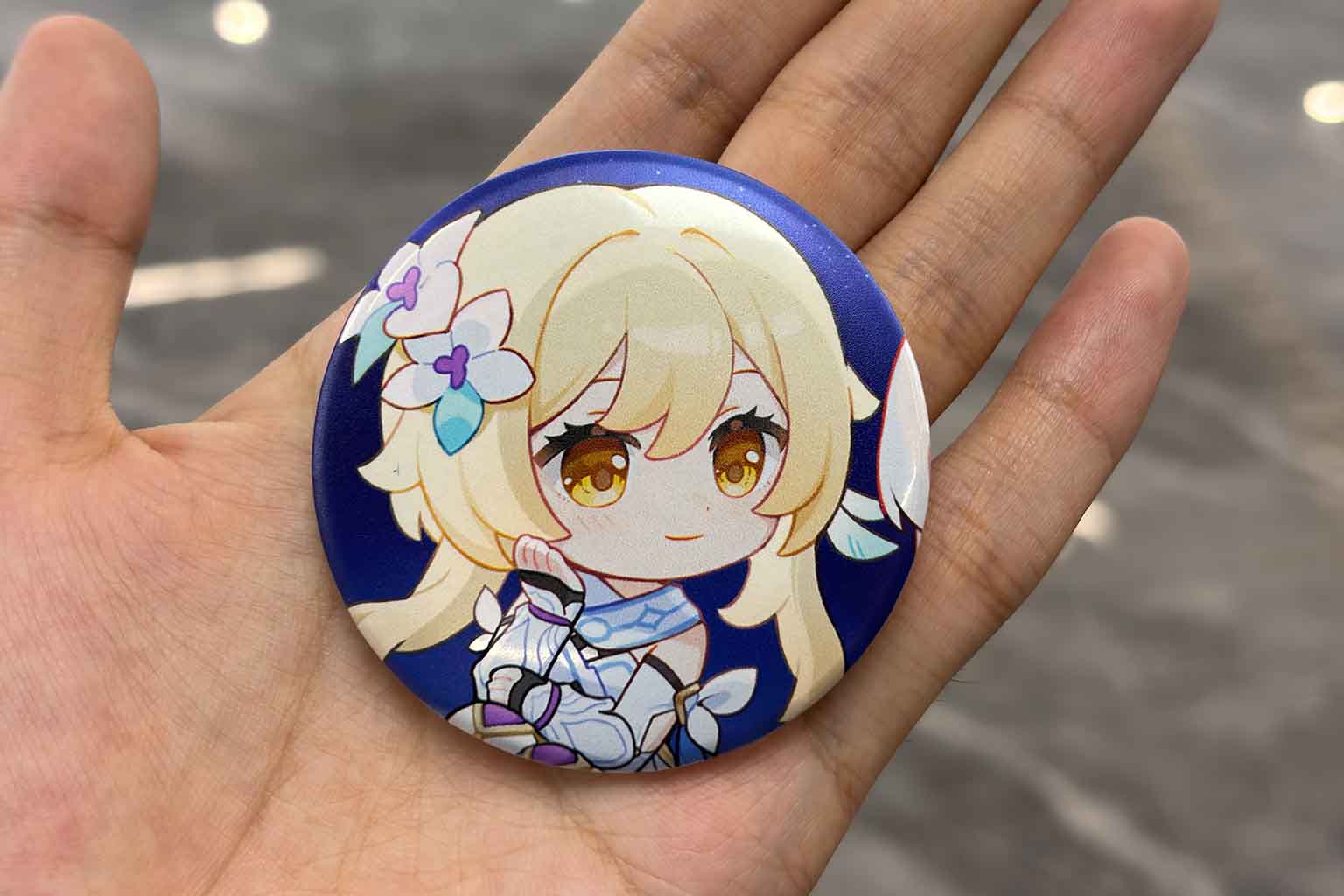
Badge
Produce badges featuring names, event artwork, team graphics, brand logos, or customer-created designs.
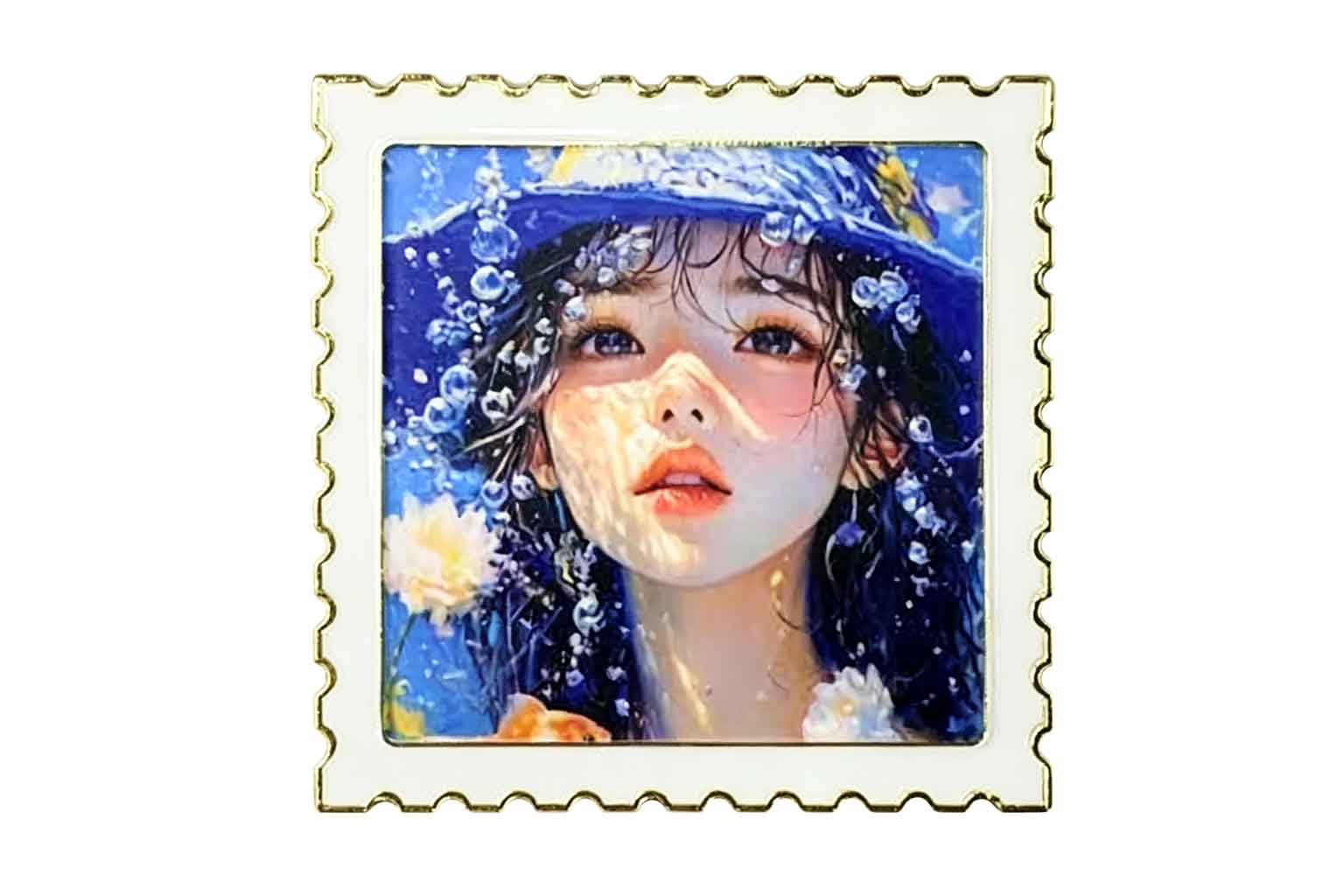
Fridge Magnet
Turn travel photos, landmarks, pet portraits, and special moments into custom fridge magnets and souvenirs.
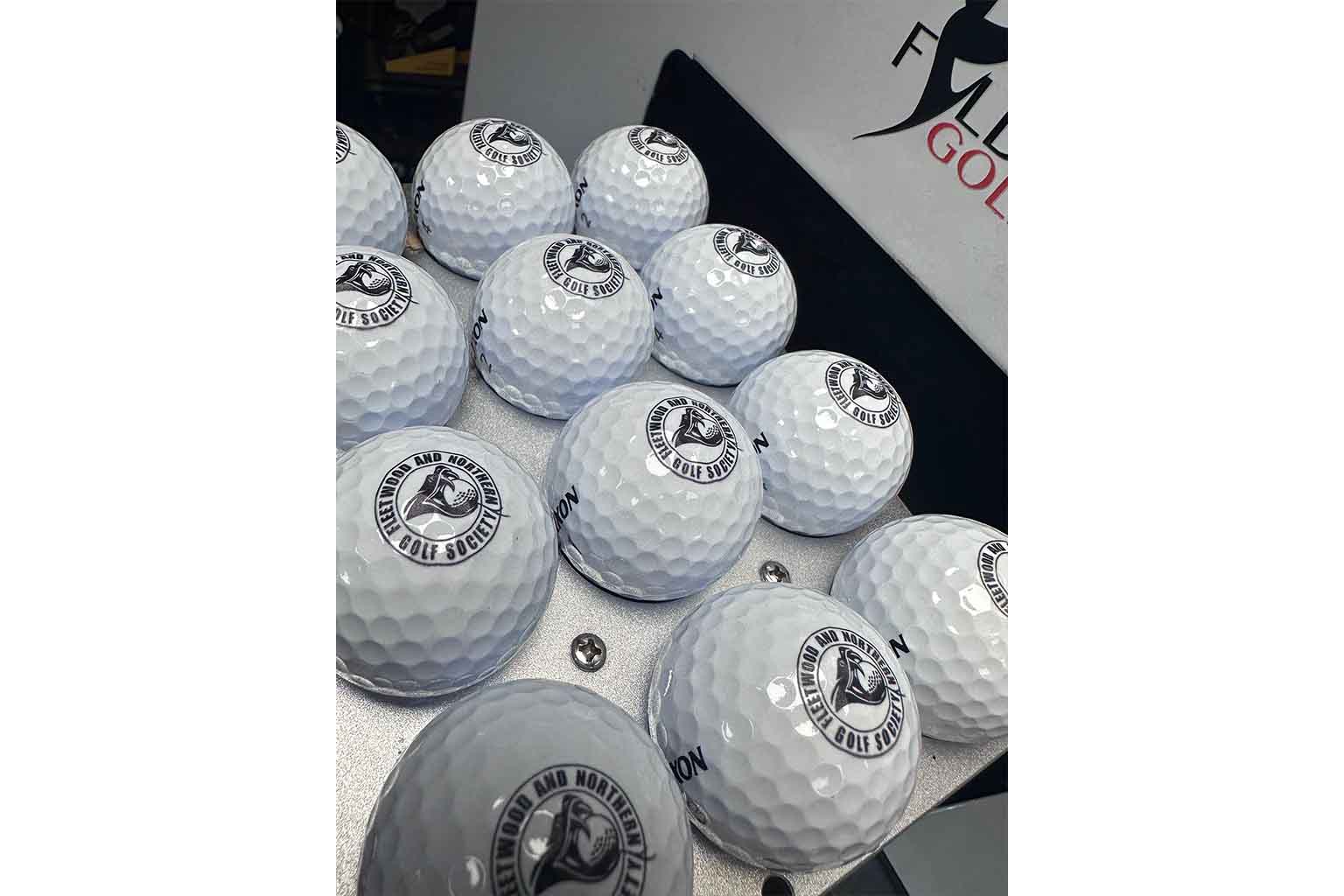
Golf Balls
Print player names, club logos, tournament graphics, and company branding on compatible golf balls using a dedicated jig.
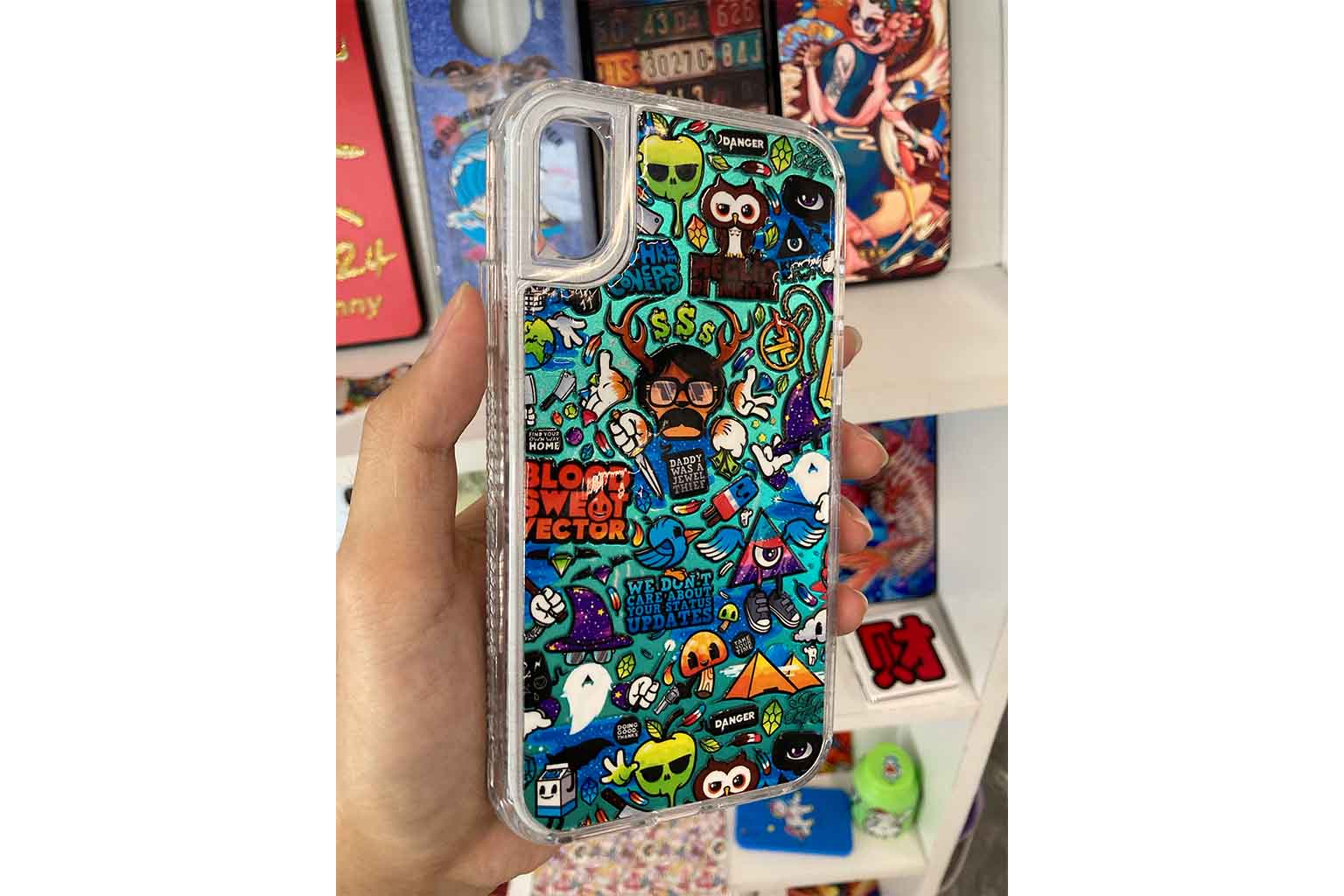
Phone Case
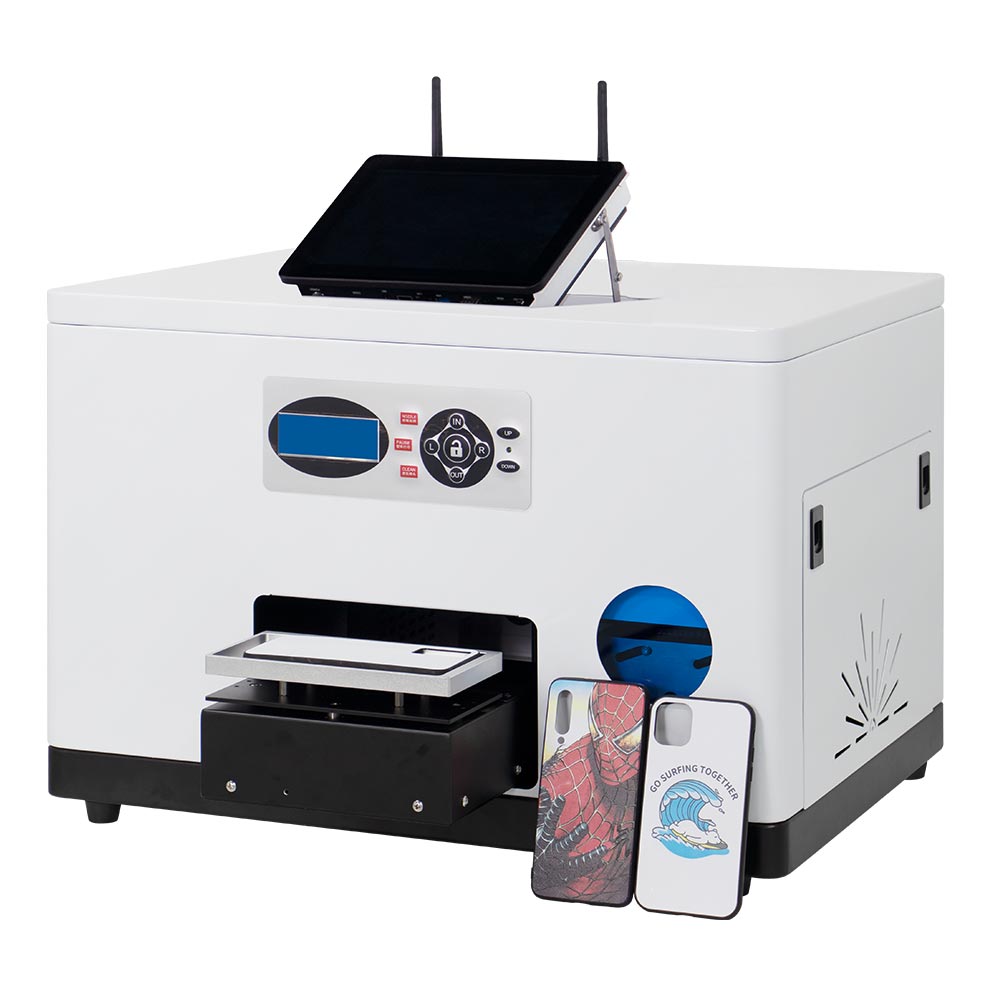
Create made-to-order phone cases using customer photos, names, illustrations, and original designs.
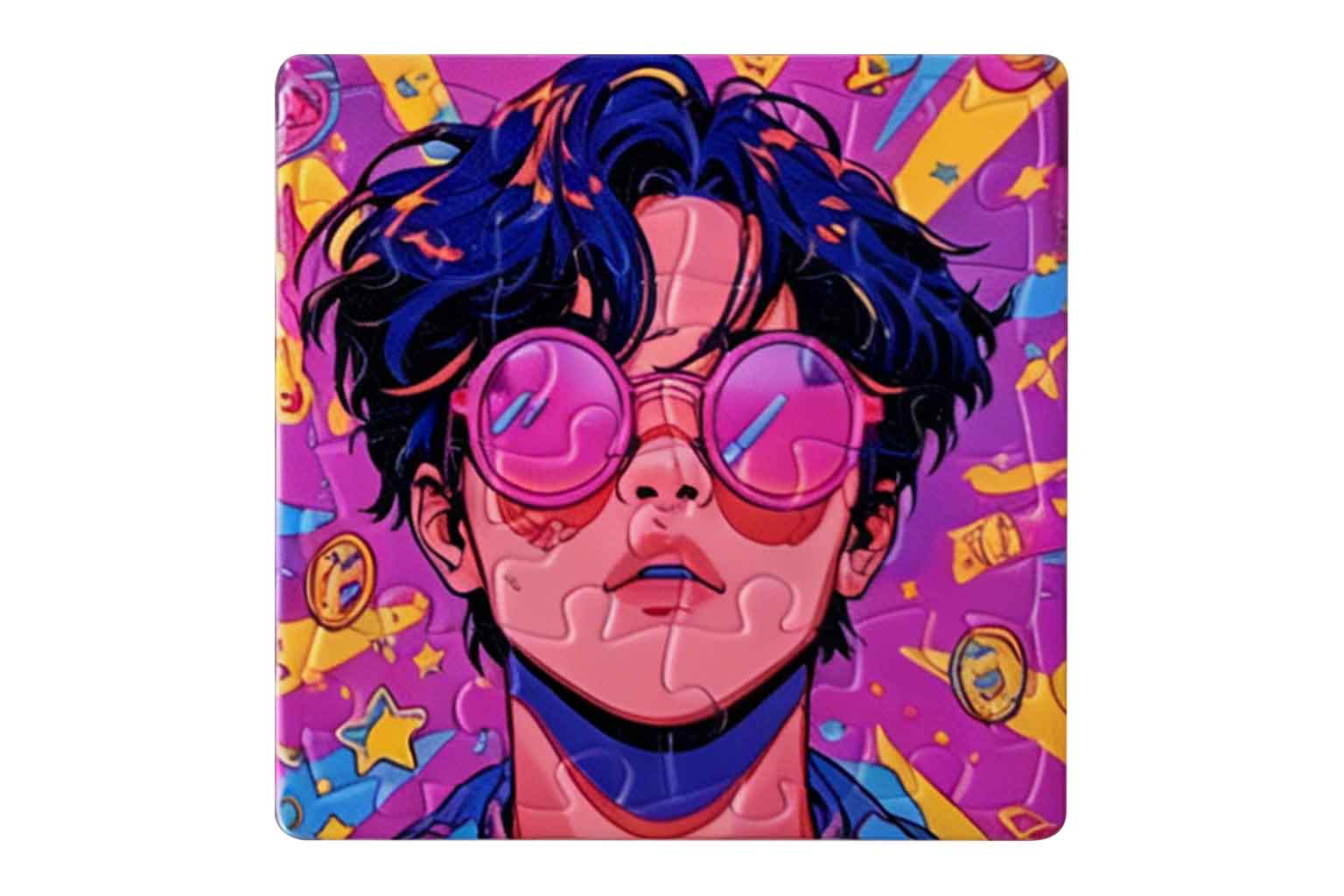
Puzzle
Transform customer photos, illustrations, and memorable moments into interactive gifts using compatible puzzle blanks.
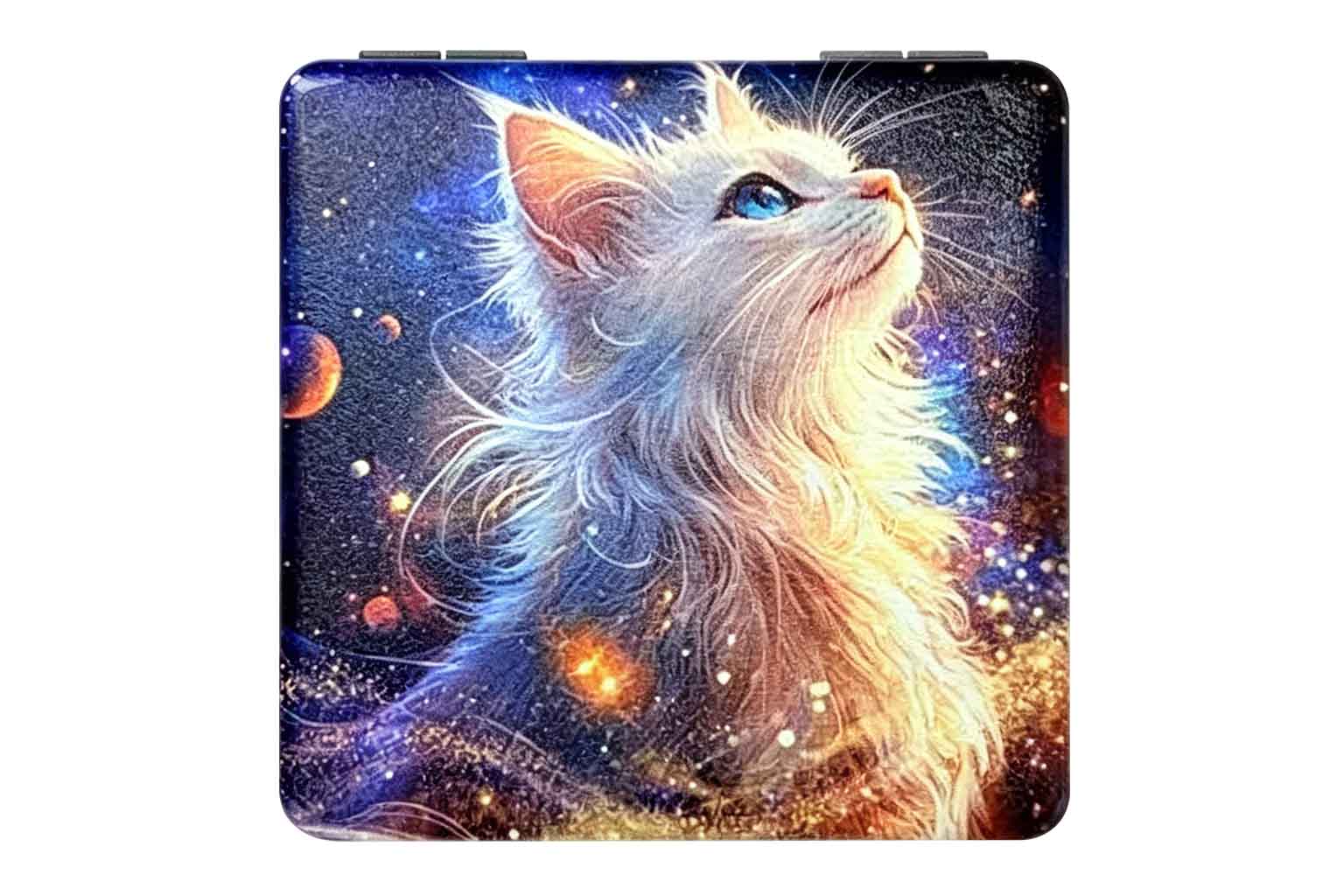
Square Compact Mirror
Print names, photos, logos, and decorative artwork on compatible compact mirrors to create practical personalized gifts.
UV Printing Costs and Profit Potential by Product
When evaluating a UV printer for a small business, consider the cost and selling potential of the finished products—not only the machine itself.
Actual margins depend on the blank product, print area, artwork coverage, ink layers, production time, and local selling price. Use your actual samples, supplier costs, and target market prices to complete the estimates below.
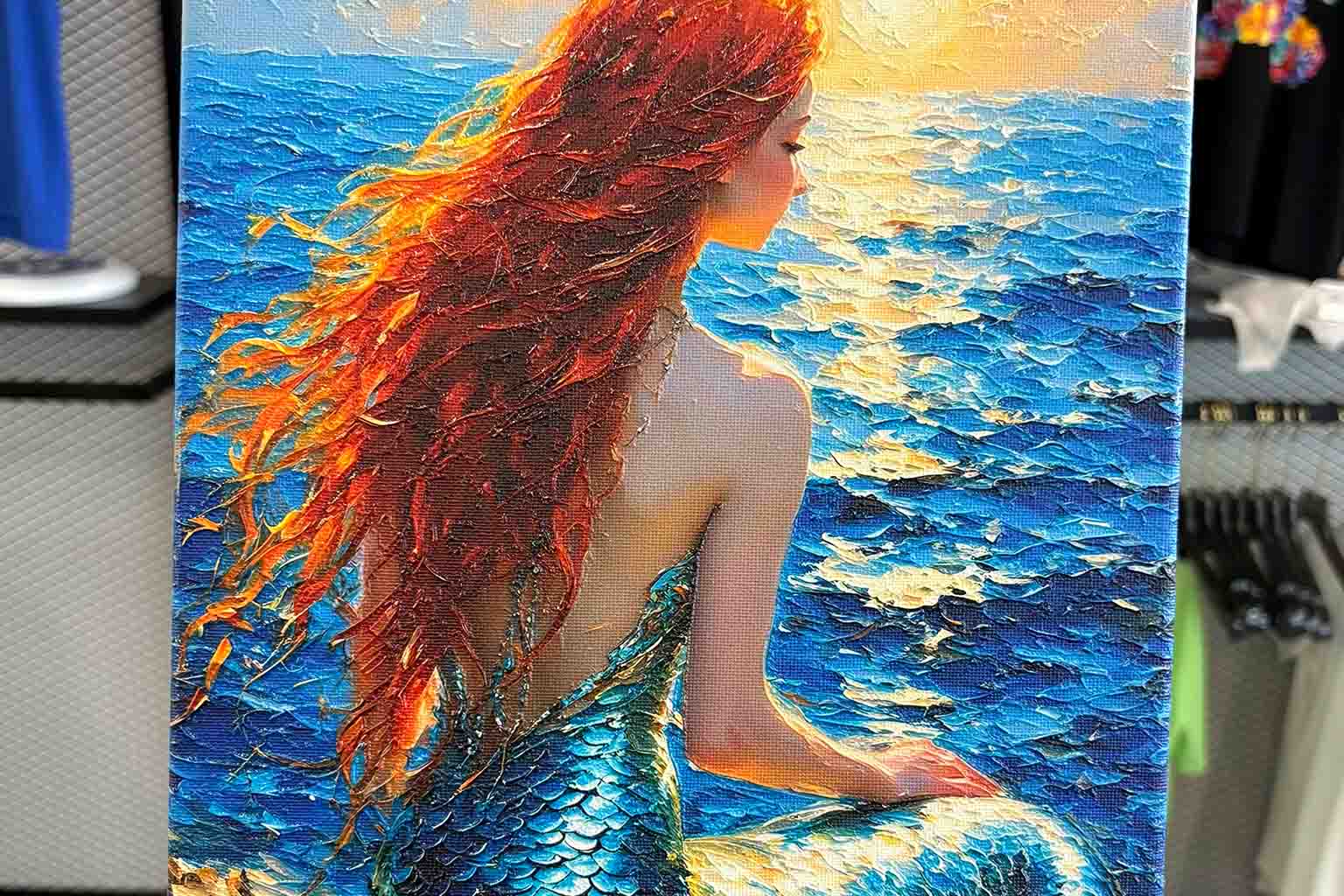
Canvas
Print Area: 12" × 16"
Retail Price: US$25
Blank Item Cost: US$4.5
Estimated Ink Cost: US$0.20
Estimated Gross Profit: US$20.3
Wooden Crafts
Print Area: 8.9" × 5.7"
Retail Price: US$15
Blank Item Cost: US$1
Estimated Ink Cost: US$0.1
Estimated Gross Profit: US$13.9
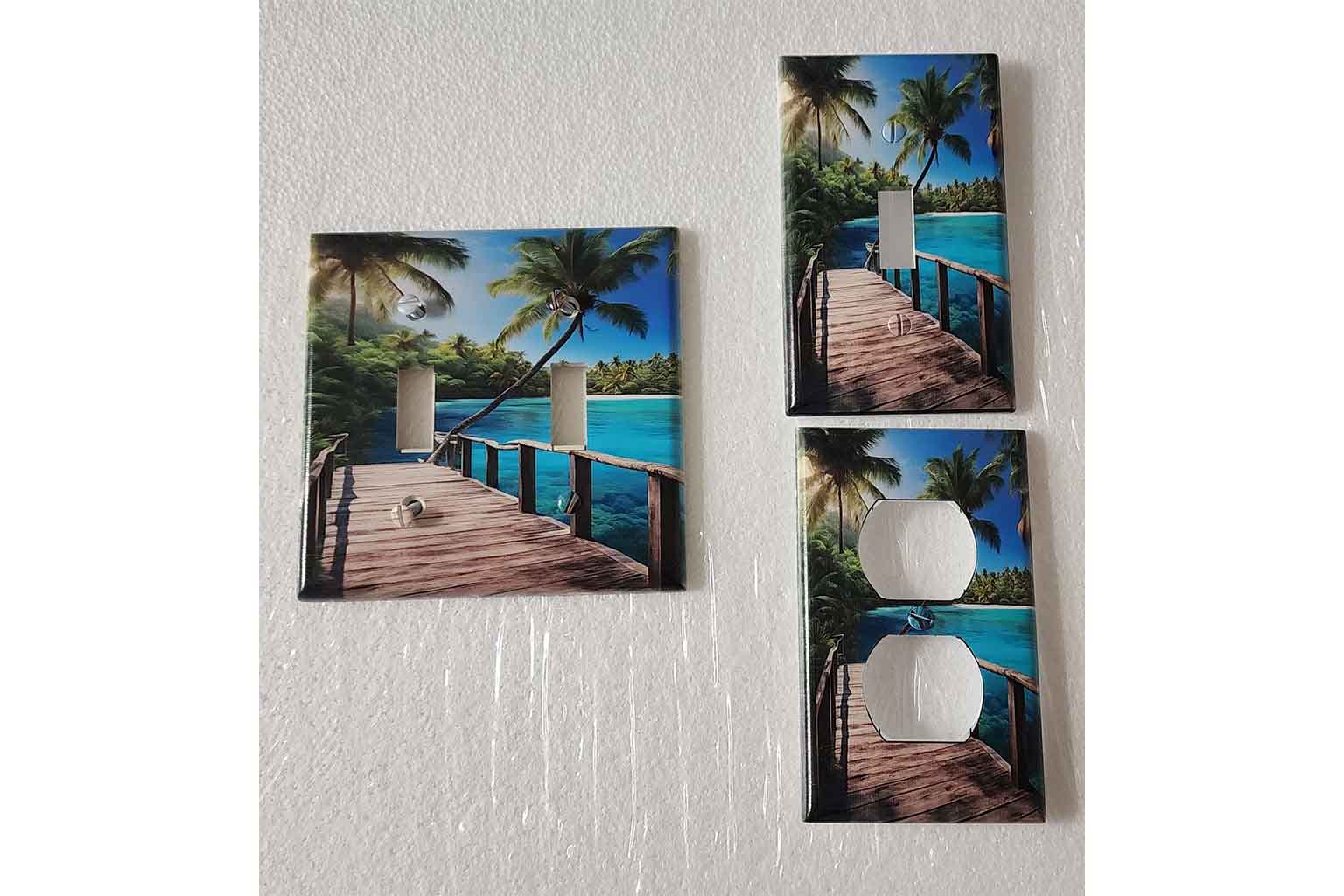
Light Switch Cover
Print Area: 1.55" × 1.34"
Retail Price: US$10
Blank Item Cost: US$3.5
Estimated Ink Cost: US$0.003
Estimated Gross Profit: US$6.4
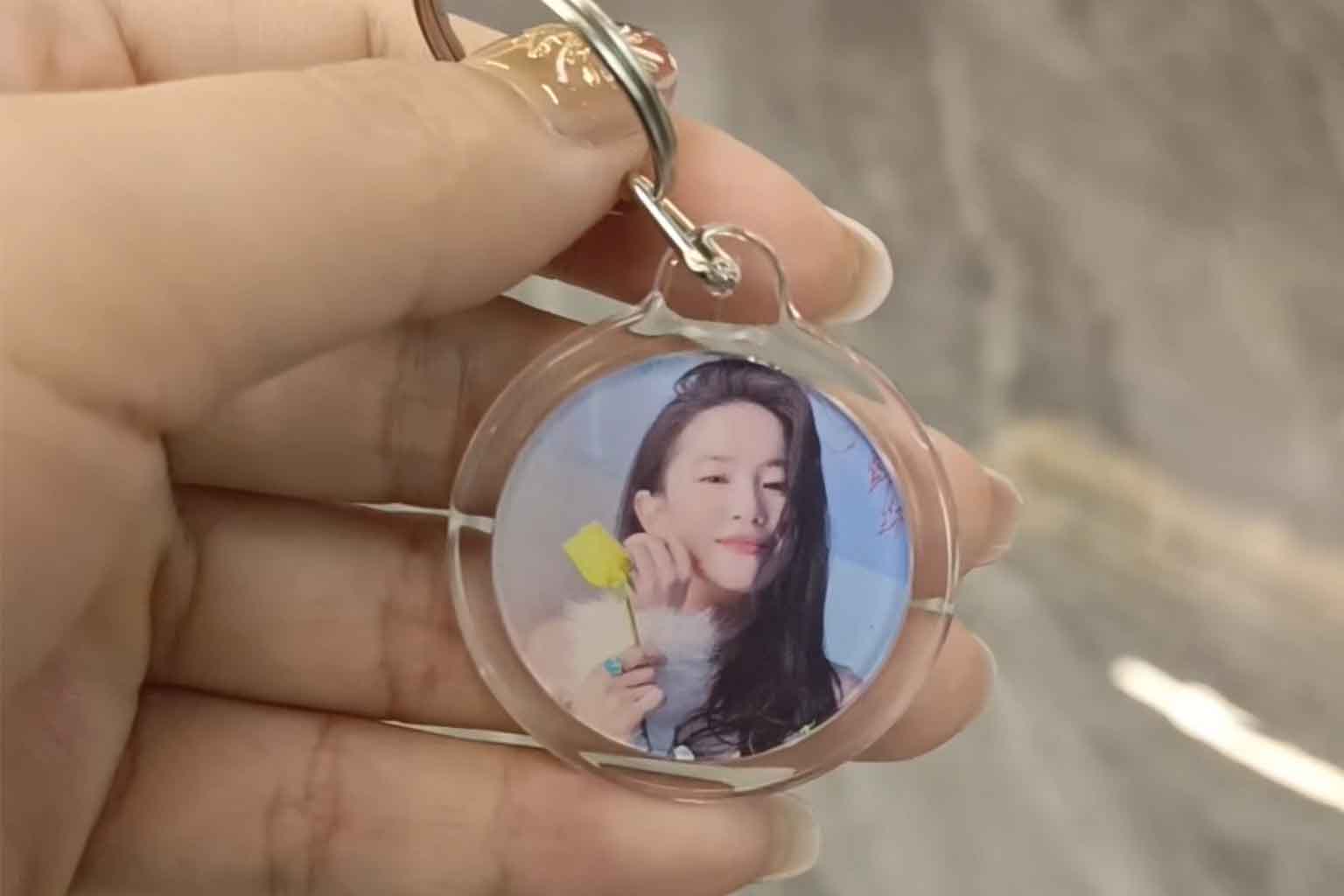
Acrylic Keychain
Print Area: 2.16" × 1.5"
Retail Price: US$10
Blank Item Cost: US$0.3
Estimated Ink Cost: US$0.004
Estimated Gross Profit: US$9.5
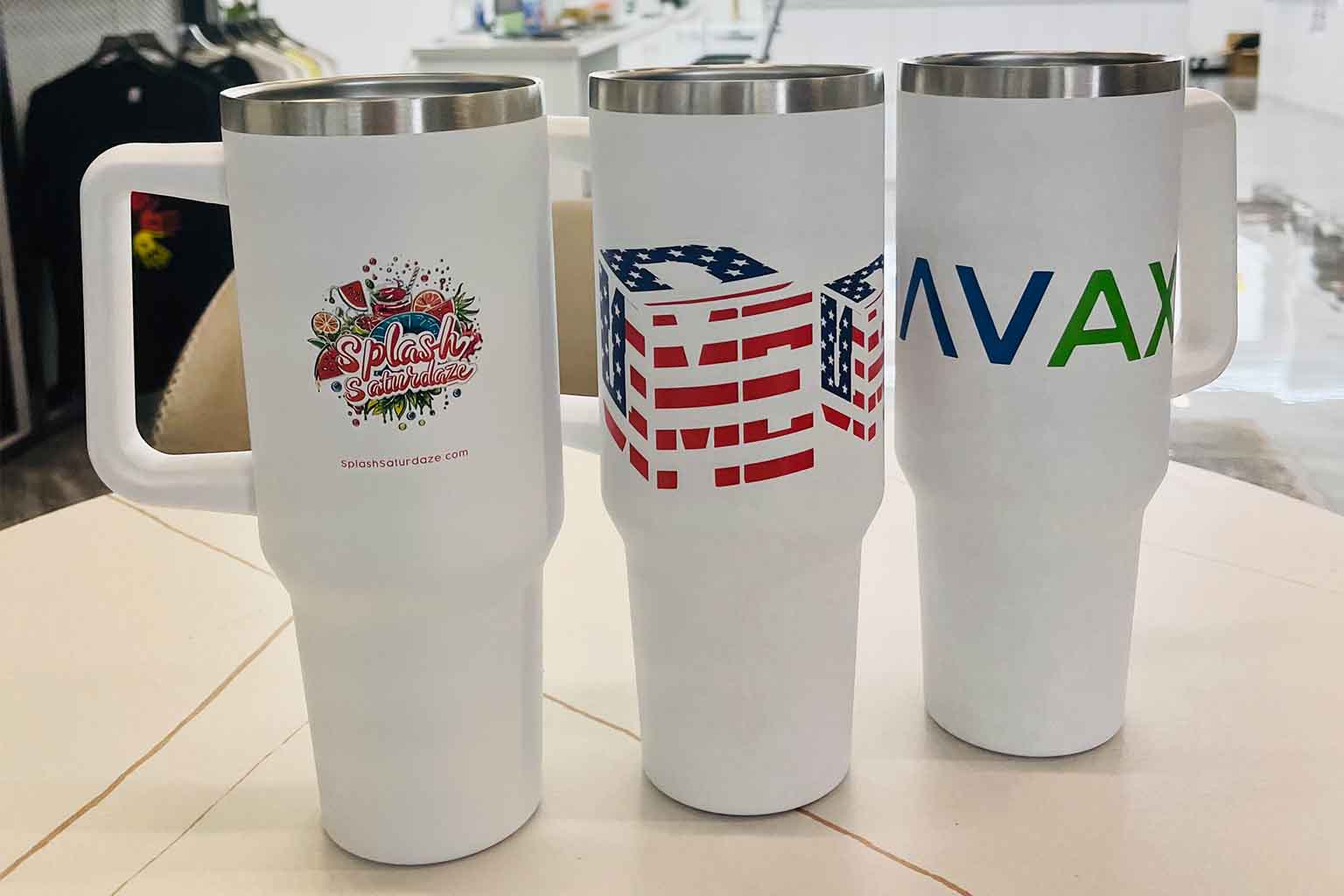
Stanley Cup
Print Area: 3.1" × 4"
Retail Price: US$80
Blank Item Cost: US$30
Estimated Ink Cost: US$0.02
Estimated Gross Profit: US$49
Make Everyday Customization Easier to Run
Receiving artwork, positioning products, and checking orders all take time. A connected workflow helps your team handle these tasks more consistently, leaving more time to serve customers and prepare the next order.
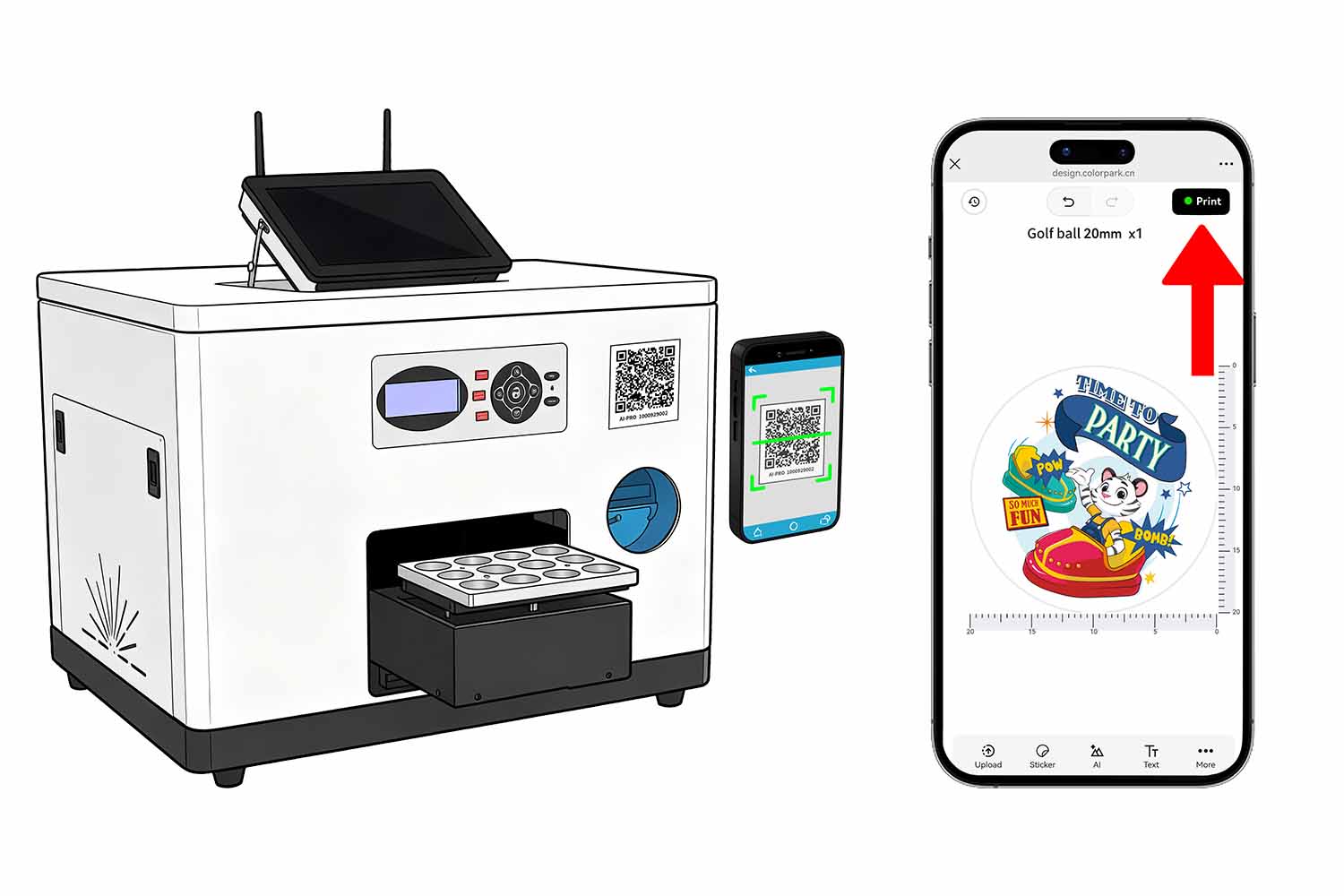
Let Customers Start on Their Phones
With ColorPark AI-Pro, customers can scan a QR code, upload a photo, add text, and adjust their design in a mobile browser. AI-assisted design options also help customers explore ideas when they arrive without finished artwork.
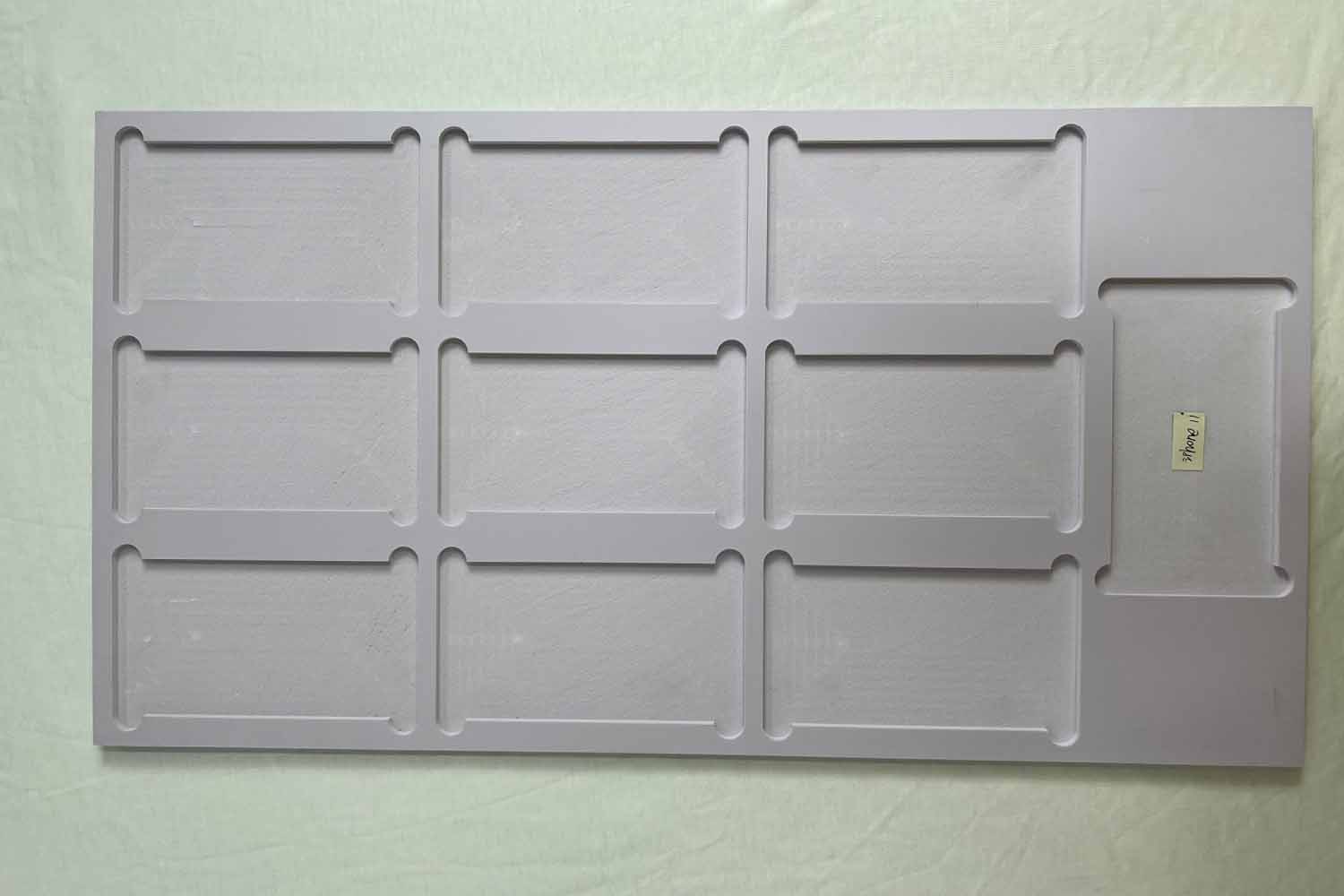
Reuse the Setup for Same Products
Matching jigs and digital templates help keep products and artwork in consistent positions. Once a product setup is prepared, your team can reuse it for later orders, reducing repeated layout and alignment work.
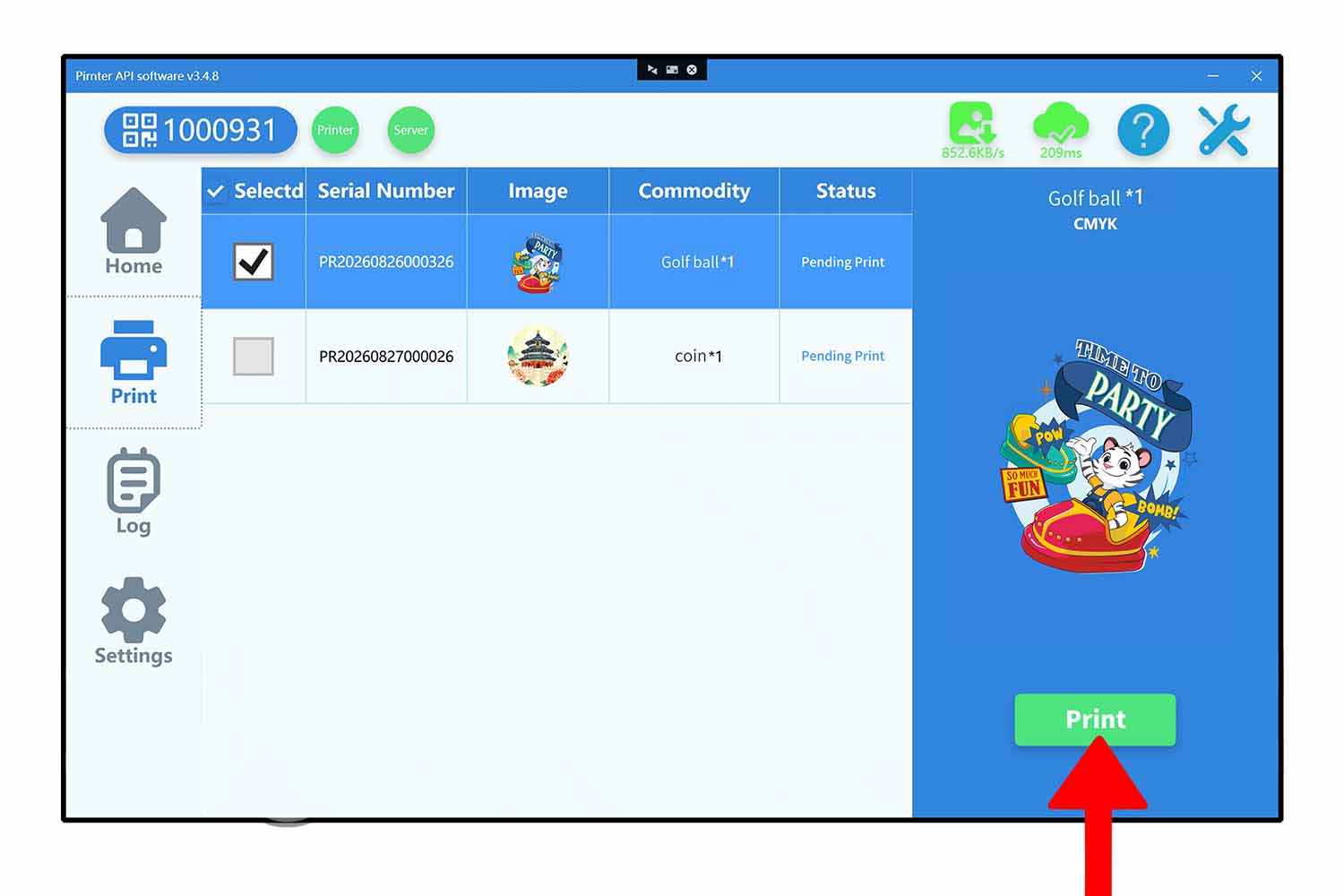
Track and Manage Each Print Job
Submitted artwork is uploaded to the cloud and received through ColorPark Client at the printer. Your operator reviews the job, loads the product, and confirms printing. Cloud upload and task delivery require an internet connection.
Give Personalized Products More Ways to Stand Out
A customer photo or name creates the personal connection. White ink, varnish, and layered printing can add visual contrast and surface detail, helping you offer more than a basic full-color print.
Configurations with CMYK and white ink can place a white layer beneath or behind the color artwork. This helps colors appear more clearly on dark, colored, or transparent products where CMYK ink alone may look weak or allow the background to show through.
Selected configurations with varnish can create glossy highlights on logos, lettering, patterns, or other chosen areas. Repeated layers can also build a raised texture that customers can see and feel. These effects can be useful for premium gifts, branded merchandise, signage, and decorative products.
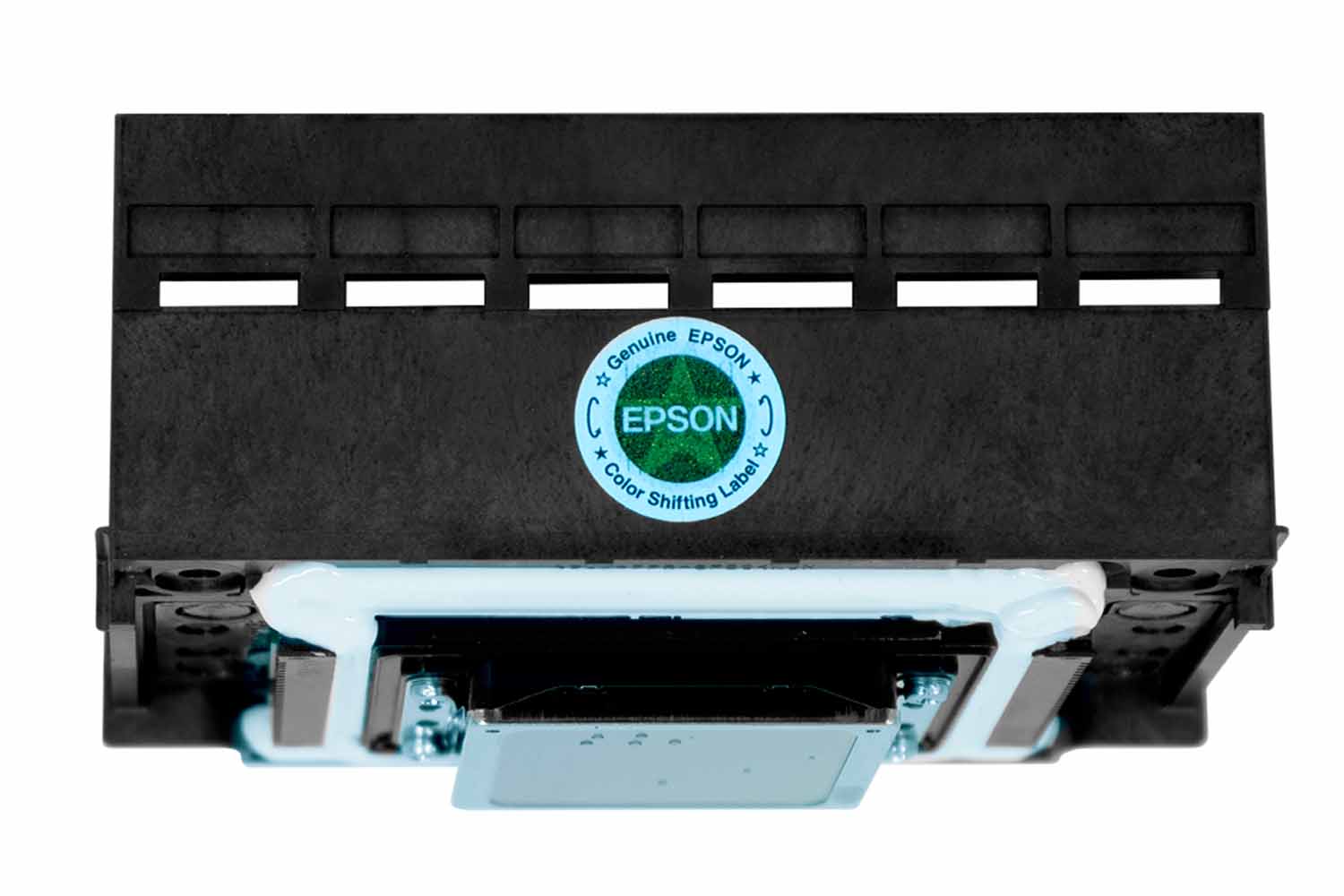
Genuine Epson Printheads for Reliable, High-Quality Printing
Every Inkit smart UV printer is equipped with an original Epson F1080 printhead, offering long service life, stable performance, and excellent print quality. It helps produce sharp details, smooth color transitions, and vibrant results across personalized products and small-batch orders, giving your business a dependable printing foundation for consistent output.
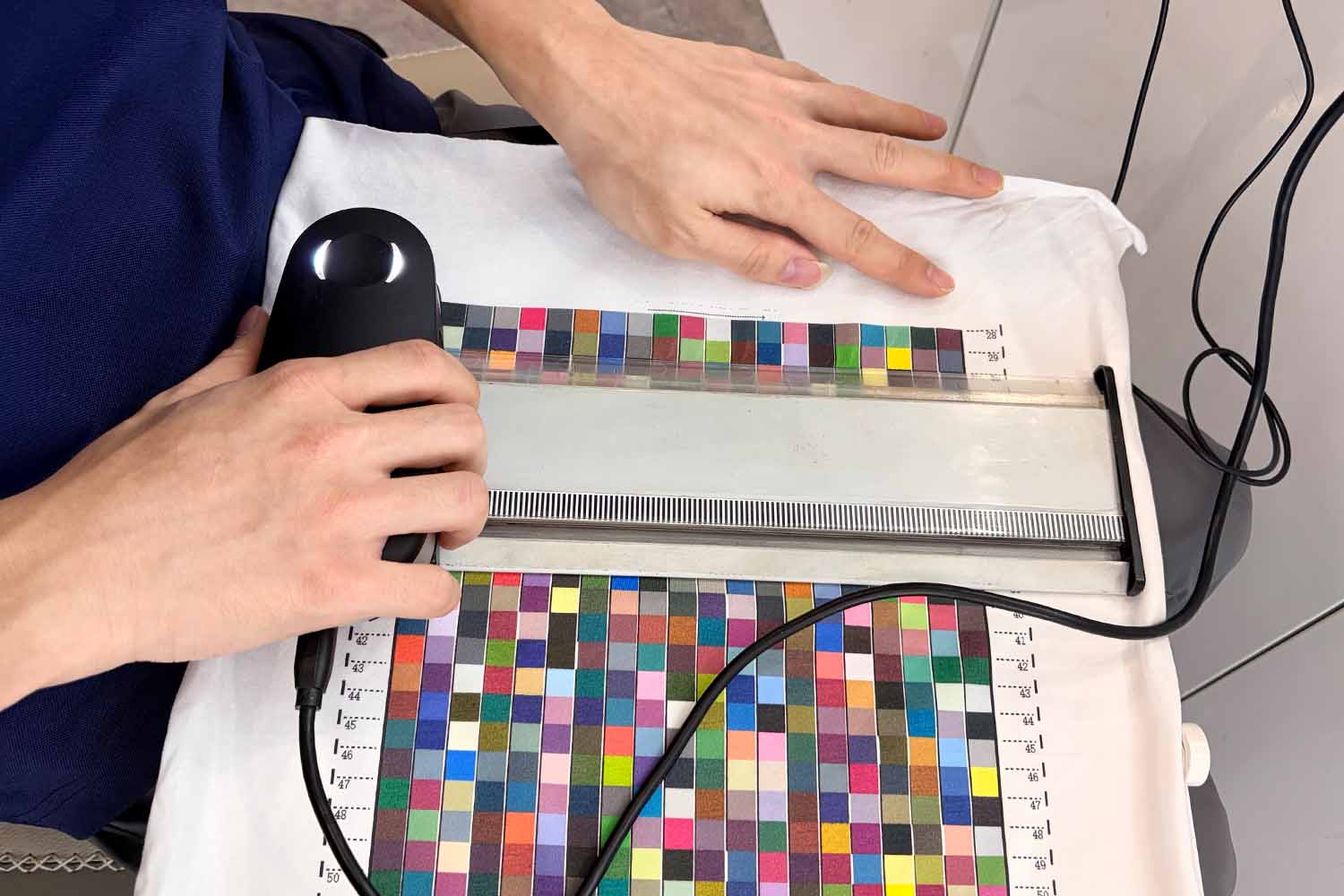
Factory-Calibrated ICC Profiles for More Consistent CMYK Color
ICC color management mainly controls CMYK color output.It helps a UV printer translate the CMYK values in a digital file into the colors produced by a specific printing configuration. During profile creation, professional color-measuring equipment reads printed color patches and builds linearization data from light to dark. For example, if a dark-blue target prints too lightly before calibration, the profile adjusts how the CMYK values are reproduced so the output moves closer to the intended deeper blue. This supports smoother tonal transitions, balanced ink output, and more consistent color saturation.
Before shipment, each Inkit smart UV printer is color-calibrated for its confirmed model, Epson printhead, supplied UV ink, and standard factory printing settings. After installation, you can begin printing with the factory profile without creating a new ICC profile first. Our UV inks have been calibrated to match the supplied ICC color profiles, so we recommend that you use inks approved by Inkit.
More Than a UV Printer—A Complete Personalization Solution
In an increasingly competitive UV printer market, Inkit remains focused on tailored solutions, smart workflows, and self-service personalization for businesses across different industries.
We work with you to turn your on-site customization idea into a practical service. From planning the printing process and developing product-specific jigs to adapting equipment and customizing software, we bring the complete solution together around your products and the way you serve your customers.
With the right setup, your customers can choose or upload a design from their phones, have it printed on site, and take their personalized item home during the same visit.
We offer more than a printing machine. We help you make it easy for people to own something uniquely theirs—a favorite photo, a meaningful gift, or a memory they can hold. The real value of personalization is not just the printed item, but the feeling and connection it creates. That is what your customers are truly buying.
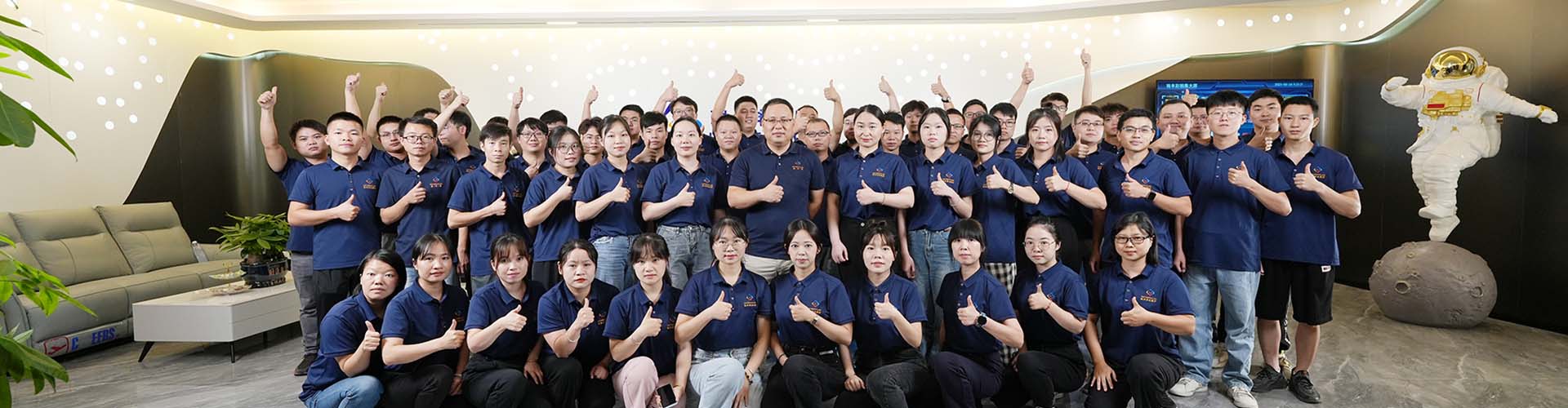
The Inkit team, photographed in 2023.
Get Quick Answers About Inkit Smart UV Printer
Find answers to common questions about Inkit smart UV printers and choosing a printing solution for your business.
Which Inkit printer should I choose if I plan to sell different products?
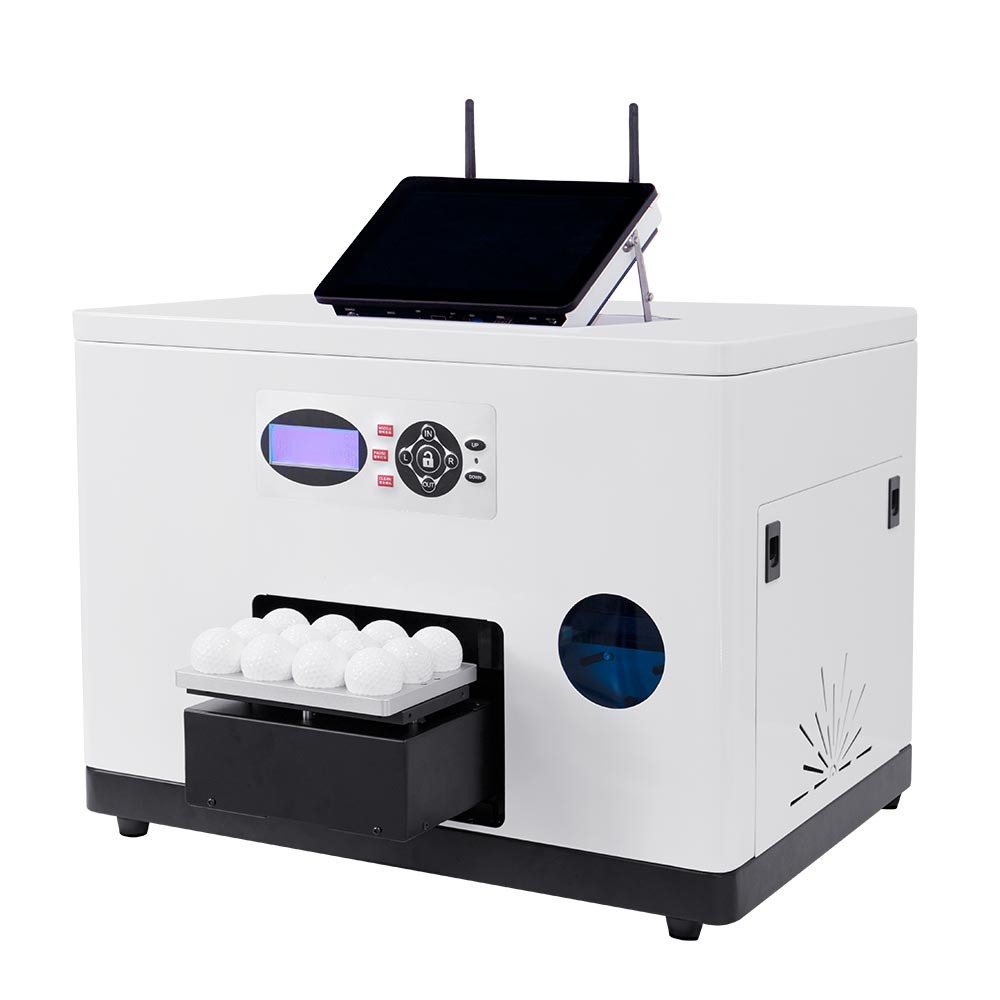
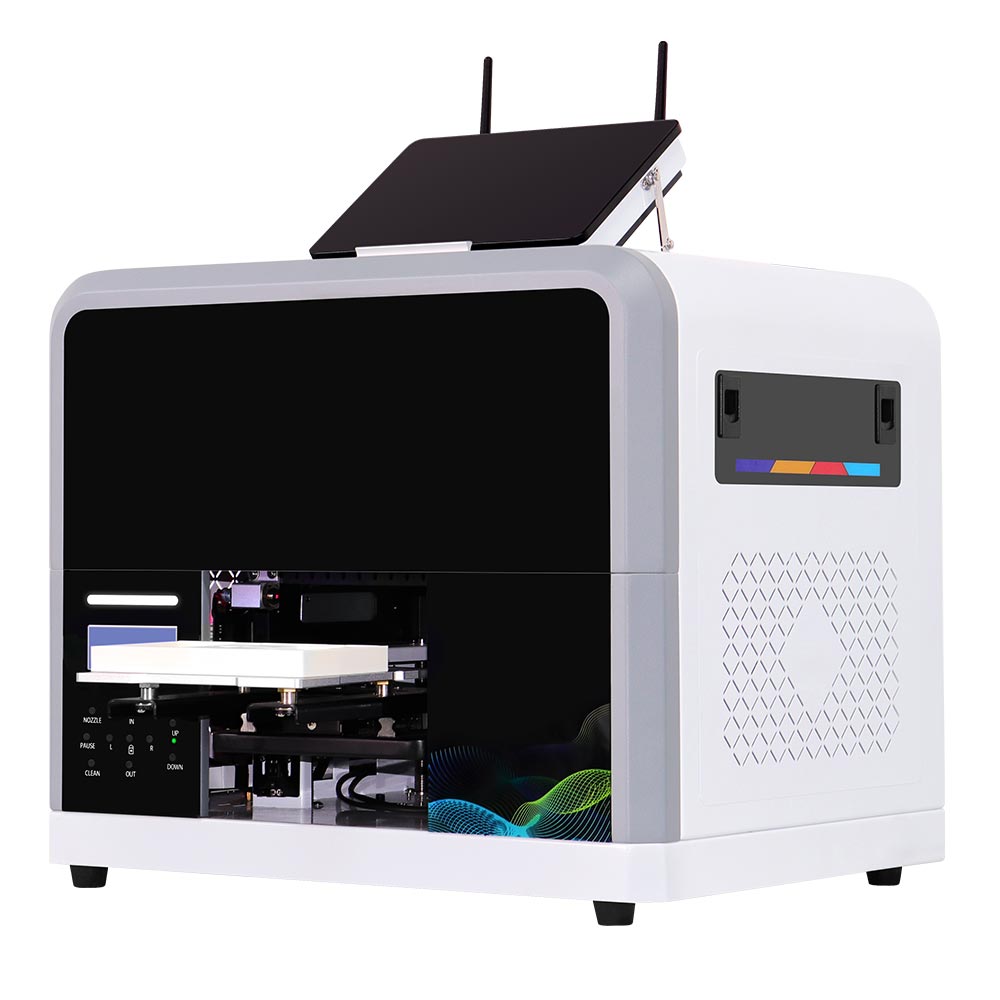
PC1 focuses on phone cases, while GF1 is designed for golf balls. If you want to offer a compact range of smaller gifts, consider ZP1-A. If your products need more printing space or height clearance, compare ZZ2E. Your actual blanks, required finishes, workspace, and expected order mix should guide the final choice.
Can I print on silicone?
UV ink does not adhere well to silicone, so we do not recommend printing directly on untreated silicone. You can try printing on plasma-treated liquid silicone, but you will need to test the results first.
Can I print on the entire surface of a golf ball?
Our GF1 golf ball printer can print a circular area approximately 21–25 mm in diameter. You can try printing multiple times to print different logos around the entire golf ball. If you have any other requirements, we also offer a rotary golf ball printer with a printable area of 135 × 22 mm.
What is the difference between the ZZC and ZZE printer series?
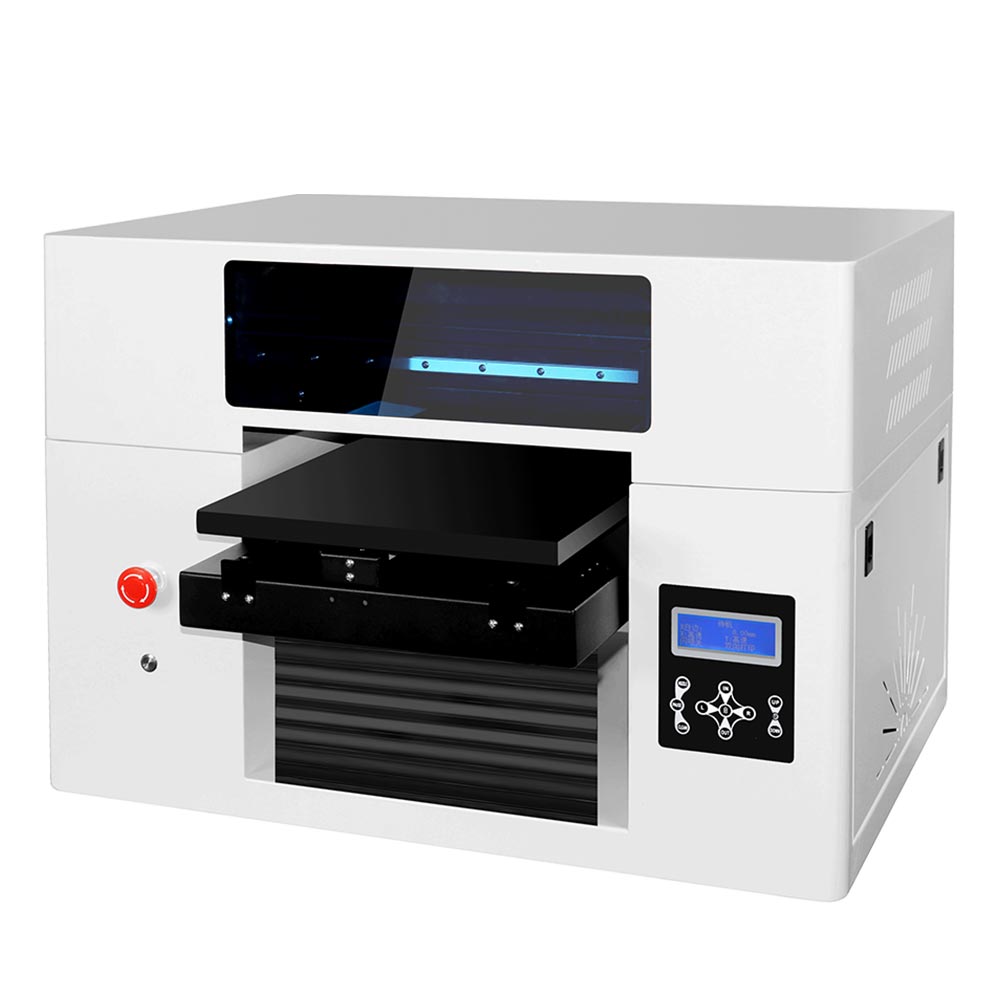
The ZZC series has a printable area of 330 × 600 mm, slightly larger than the ZZE series’ 320 × 550 mm. The ZZE series has a white design and comes standard with cloud printing.
Get a Custom Printing Solution Proposal in 24 hours
Tell us your target product, business model, and integration needs. Our team will recommend the right printer, software workflow, and customization solution for your project.

